
Building partnerships sounds simple until it’s time to find the right person to contact.
Maybe you’ve found a company that would be a great fit for a guest post, backlink exchange, influencer collaboration, affiliate partnership, or even your next customer.
But finding an email address it’s time consuming and frustrating.
- Sometimes you’ll find one in the website footer
- Sometimes it’s hidden on the Contact Us page or buried in the About section
- Other times, there’s no email at all
- Or only a generic address like info@company.com, which rarely reaches the right person.
That’s why you are researching a lot.
- You open LinkedIn
- Check the company website
- Search Google
- Then repeat the same process for the next prospect
It doesn’t take long for a simple outreach campaign to turn into hours of manual research. It works, but it doesn’t scale. That’s where
LeadsRock Can Save You More Hours

Instead of searching for emails one by one, LeadsRock helps you build a targeted prospect list using filters like company name, job title, location, industry, team size, revenue, and funding.
Now, you’ll spend less time researching and more time having meaningful conversations.
Even better, you can get started for free. LeadsRock includes 50 verified email credits free every month. So you can build your first prospect list and start reaching out without paying for an expensive lead generation platform.
In this guide, you’ll learn how to get email from LinkedIn using LeadsRock for free and turn your prospect list into real business opportunities.
So let’s get started,
TLDR – Find Email From LinkedIn
- Find verified B2B emails instead of searching manually.
- Get 50 free email credits every month – no credit card required.
- Filter prospects by job title, company, location, industry, and more.
- Extract emails from LinkedIn in minutes and export them to CSV.
- Sign up free → Search & filter your ideal prospects → Reveal verified emails → Export to CSV → Start outreach today
- Final Verdict: 50 free credits are enough for many hours monthly; if you need more, the starting price is $29/month. But you can also get LeadRocks lifetime deal at a lower price from AppSumo.
Why LinkedIn is One of the Best Places to Find B2B Leads

If you’re looking for guest post partners, backlink opportunities, influencers, or potential customers, chances are you’ll start with LinkedIn.
According to statistics, 4 out of 5 LinkedIn members influence business decisions
As it is one of the best platforms to find decision-makers instead of gatekeepers. It’s also the top social platform for B2B marketing
According to data, 80% of B2B leads come from Linkedin.
Many decision-makers don’t list their email addresses on LinkedIn, and sending a connection request doesn’t always lead to a conversation.
That’s why many sales and marketing teams use LinkedIn to identify prospects and then reach out through email.
With a verified business email, you can send a personalized outreach message, follow up when needed, and build partnerships without relying only on LinkedIn’s messaging system
How to Get Email From LinkedIn Free Using LeadsRock

This is the full workflow from zero to verified email in under five minutes.
Step 1: Create Your Free LeadsRock Account
Before you can start finding verified business emails, you’ll need a free LeadsRock account. The signup process only takes a minute.
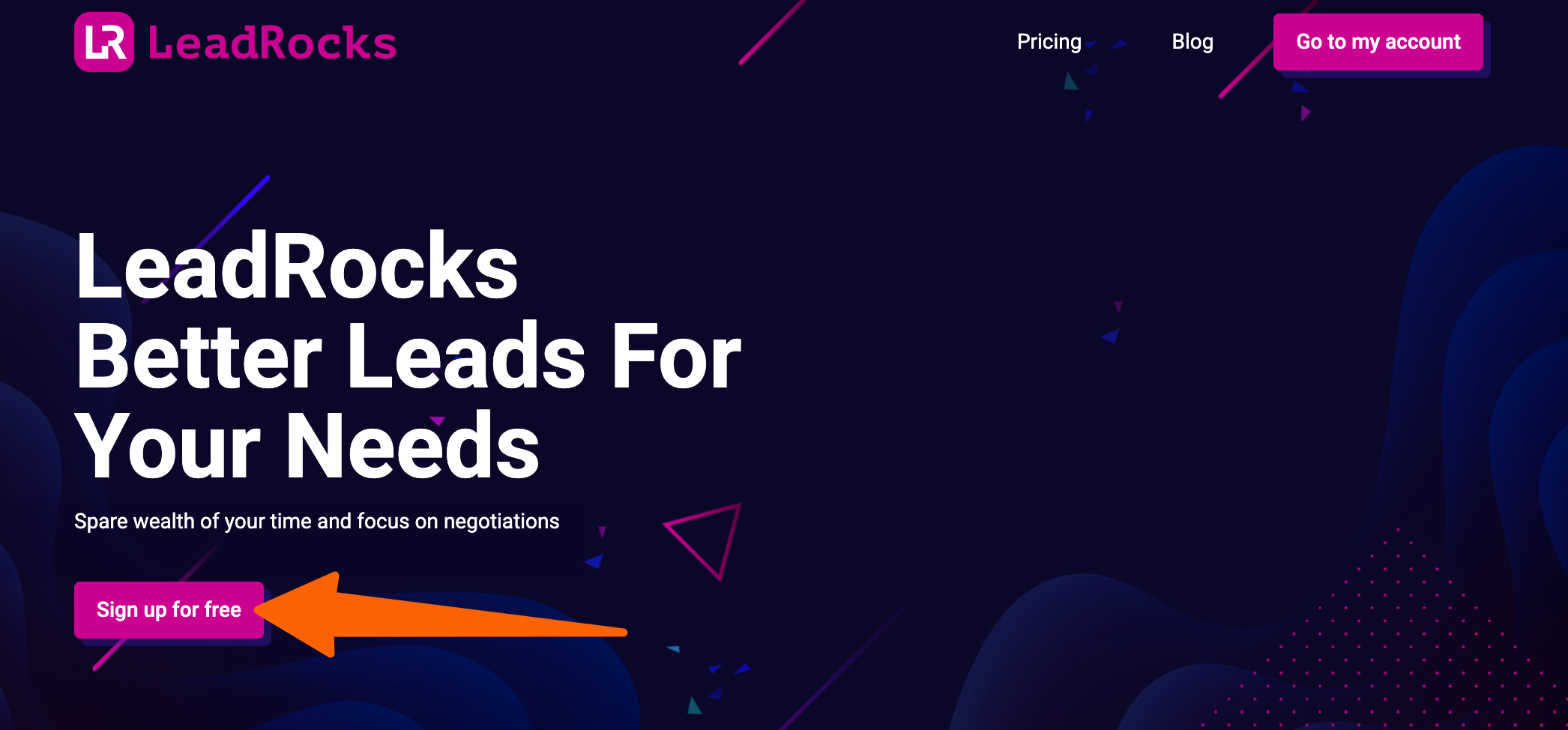
- Go to the LeadsRock website
- Click on Sign Up for Free.
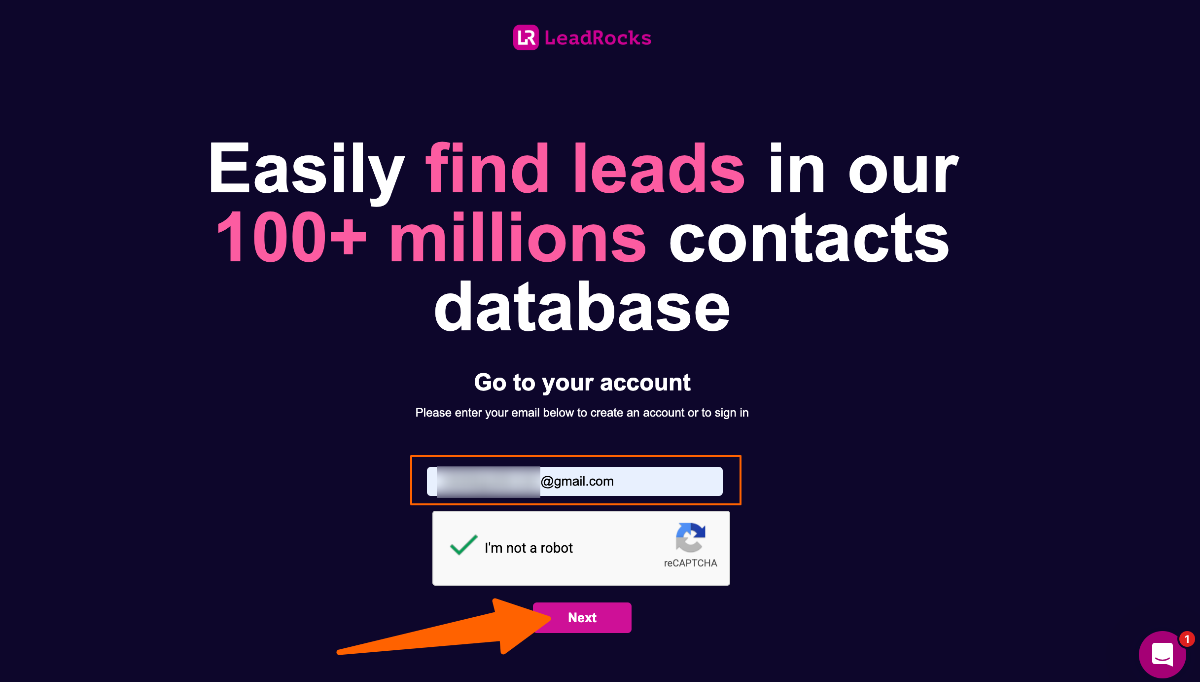
- Enter your email address
- Complete the reCAPTCHA verification
- Click on Next
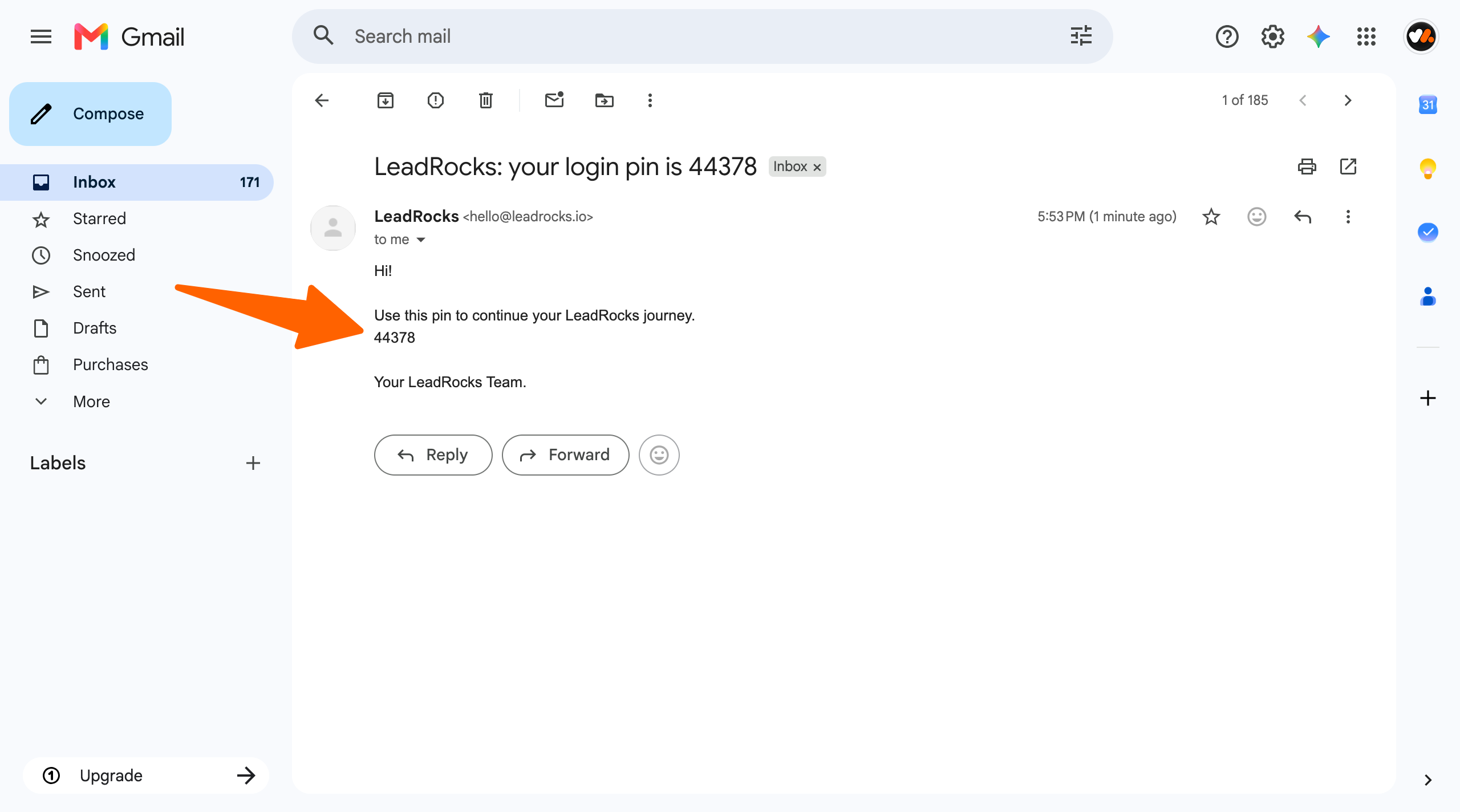
- Open your Gmail inbox, and you’ll receive a 5-digit verification code from LeadsRock.
- Copy the code, return to LeadsRock
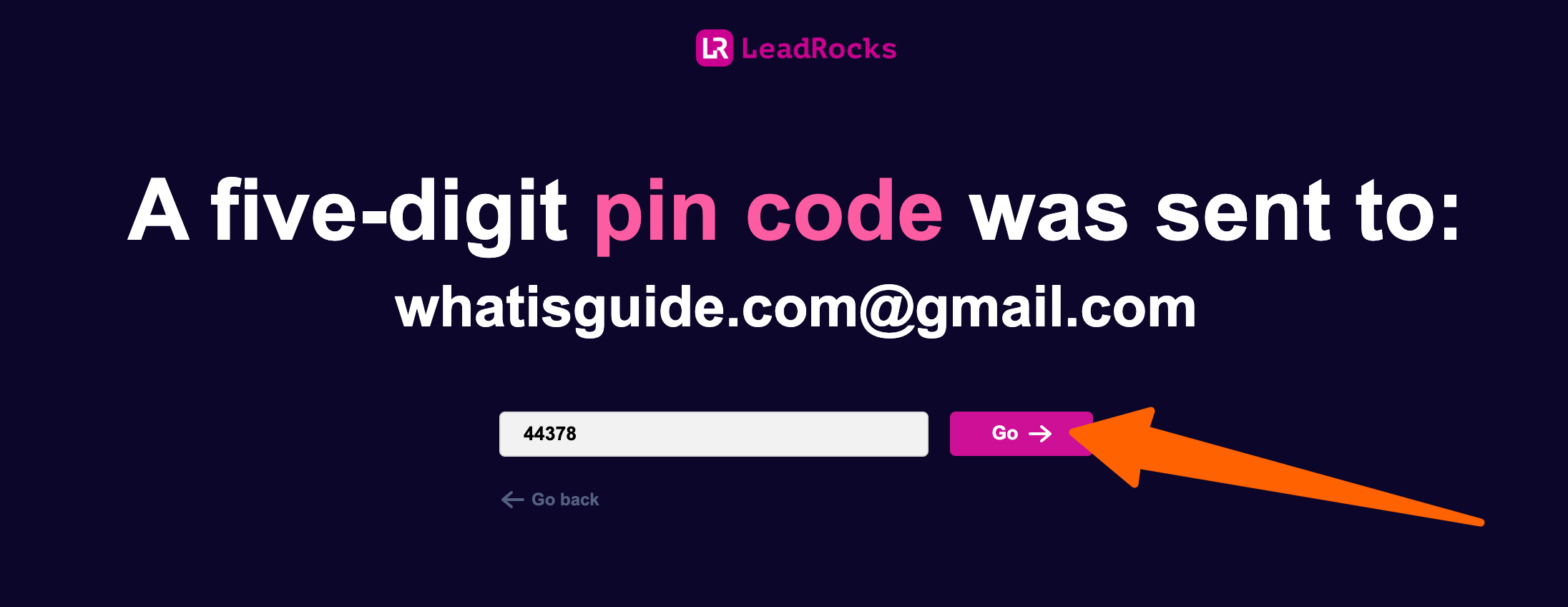
- Then enter your 5-digit PIN to verify your email.
- Click on the Go button
That’s it, your free account is ready, and you can start finding verified business emails with 50 free email credits every month
Step 2: Find Your Ideal Prospects’ Email from LinkedIn
Now it’s time to find the people you want to contact.
Instead of searching LinkedIn one profile at a time, LeadsRock lets you build a targeted prospect list in just a few clicks.
For example, you are searching for content writers’ emails from LinkedIn
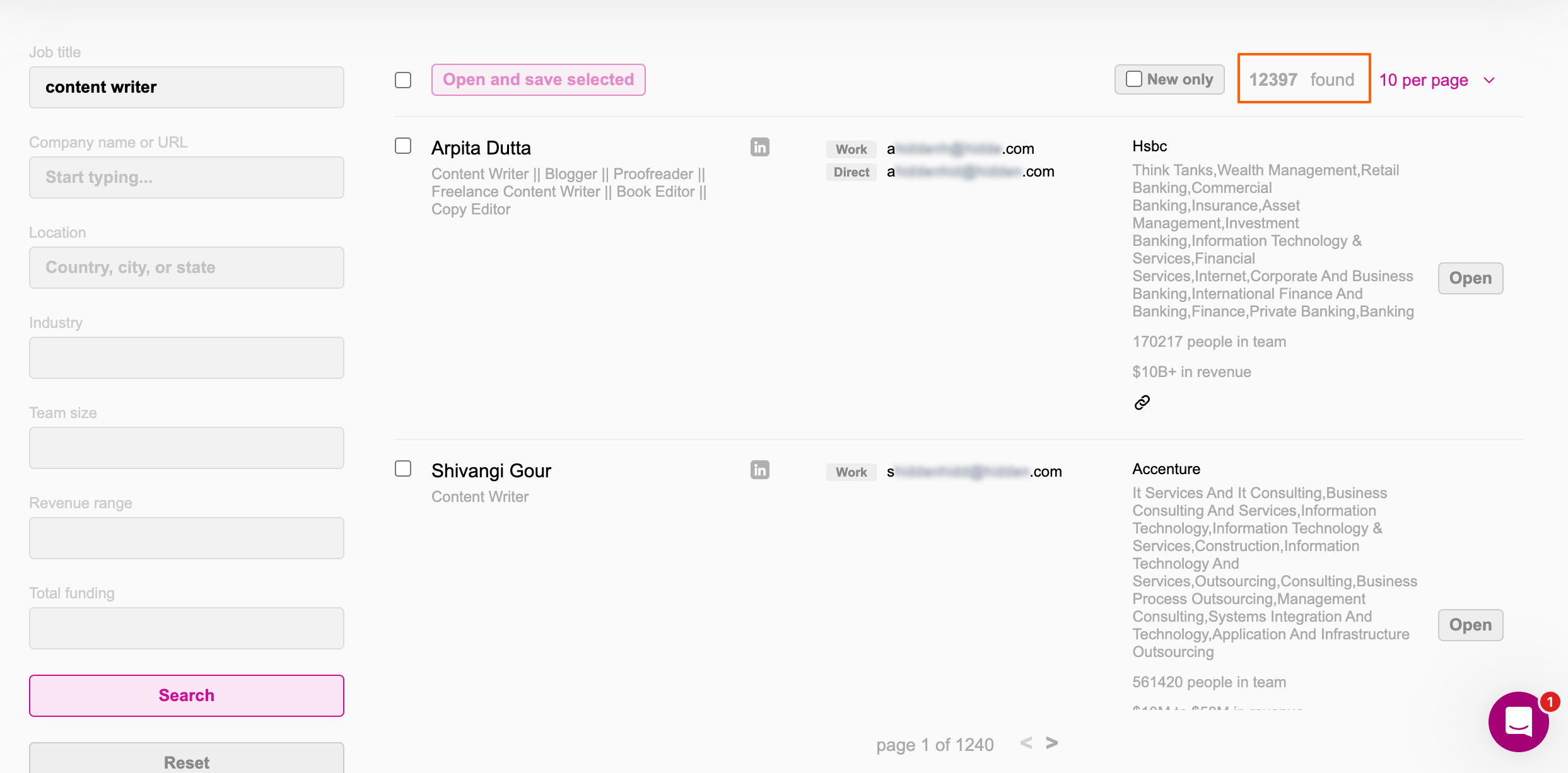
- Go to the prospecting tab
- In the job title, type content writer
You will get 12,397 emails from LinkedIn who have the content writer profession, then you suddenly remember you need emails of content writers from the United States.
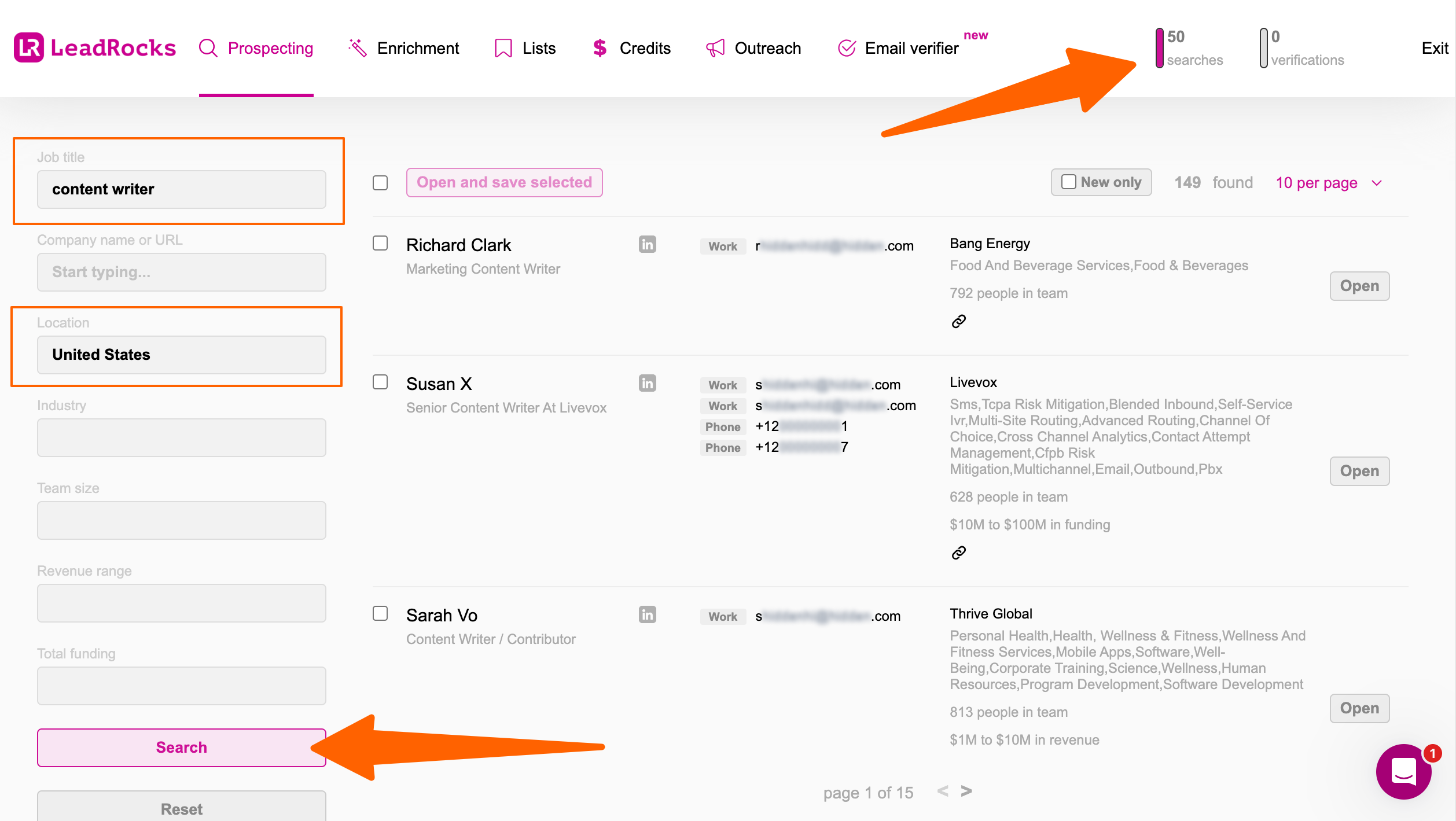
As you need content writers who live in the USA.
- In the location field, you have selected “United States”
- Then, clicked on search
For now, you still have 50 free searches. When you want to see any specific email, your credit will be deducted.
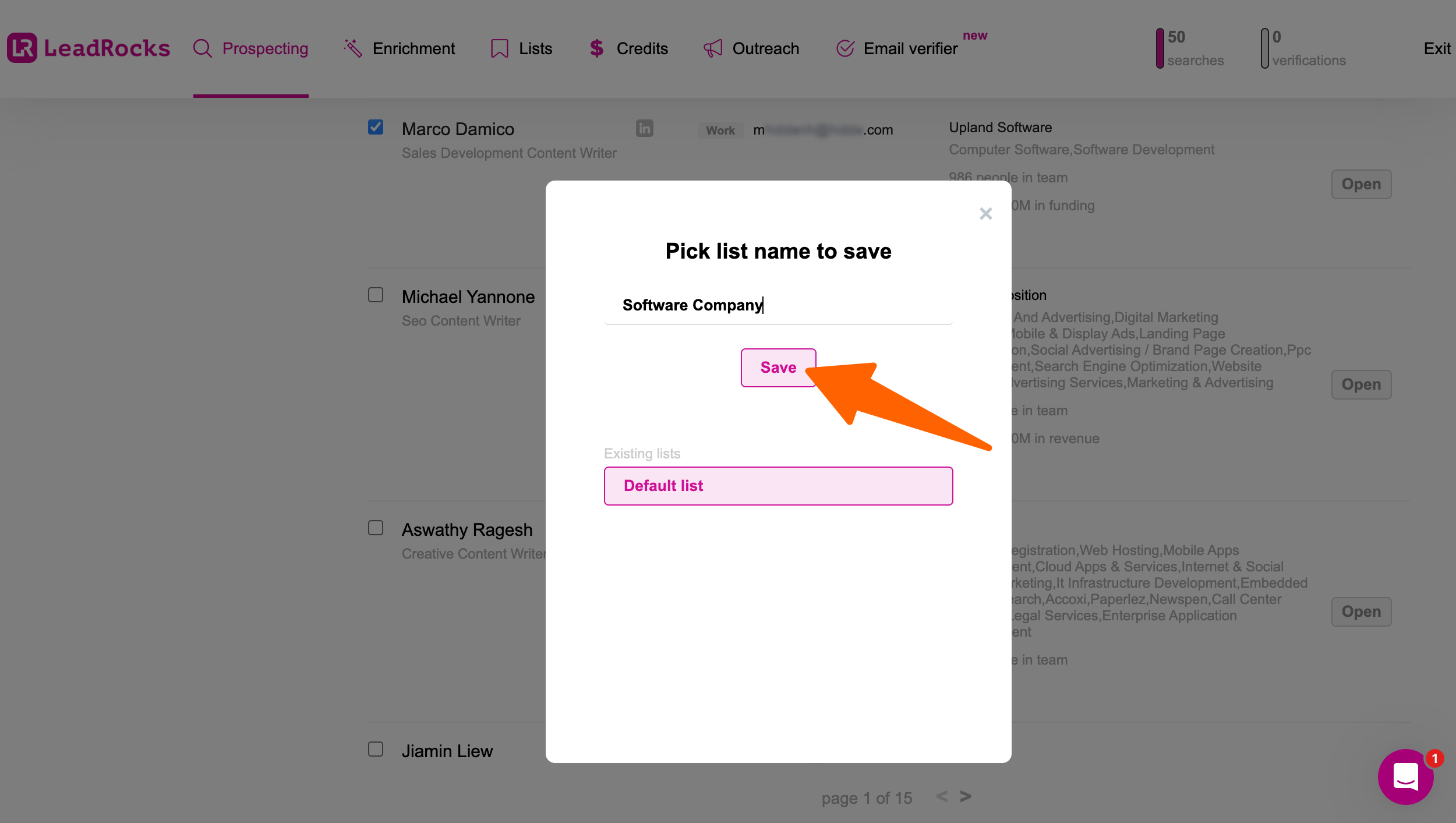
- Click on any person to save in your list (For example, you found Marco Damico, from a software company, who can be your audience – you can also select multiple people)
- Then click the “Open” Button
- Then give the name of your list (For example, I have given “Software Company” – you have to give the name according to your prospects category )
- Click on “Save”
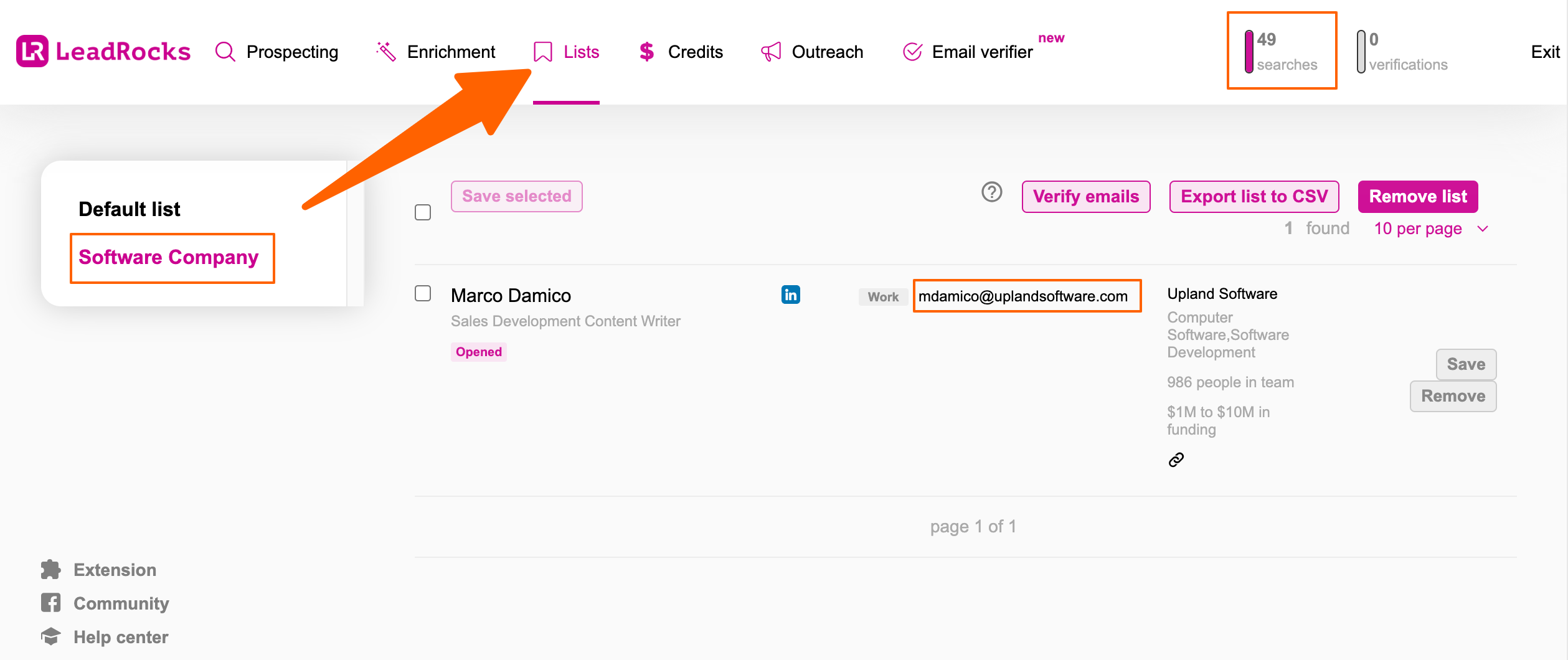
- Go to Lists tab
- You will get the emails what you saved
Thus you can get 50 emails easily without investing hours every month.
Conclusion
You can start with 50 free verified email credits every month, so there’s nothing to lose. Use them to build your first prospect list, test your outreach, and see how much time you save.
If finding prospects and business emails is something you do every day, in my opinion, you should take lifetime deal.
Let’s assume that it can save you 2-3 hours daily. How many hours can it save in 365 days? let alone for 5/10 years.
And you don’t have to pay monthly like other tools, so it’s too affordable if you compare it to the hours of your employees who are currently outreaching.
** FAQs **
1. Is it legal to extract email from LinkedIn?
Yes, LeadsRock only collects publicly available business contact data. It complies with GDPR and CCPA, so you’re covered for outreach. Always use emails for legitimate business purposes and include an unsubscribe option.
2. How accurate is LeadsRock’s email data?
LeadsRock pulls from a 100M+ contact database and includes a built-in email verifier. Always verify your list before sending to keep bounce rates low. For high-volume campaigns, running a second verification pass is a smart habit.
3. What’s the difference between a LinkedIn email finder and a LinkedIn email extractor?
A finder looks up an email based on a name and a company domain. An extractor like LeadsRock pulls contact details directly from LinkedIn profiles or search results as you browse. LeadsRock does both.
4. Can I find emails from LinkedIn without the Chrome extension?
Yes. LeadsRock’s built-in search lets you filter prospects by job title, location, industry, and company size directly inside the dashboard. You can reveal and export verified emails without ever installing the extension.
5. How do I use the emails I find from LinkedIn in my CRM or outreach tool?
LeadsRock exports your leads as a clean CSV file in one click. You can import that directly into HubSpot, Salesforce, Pipedrive, or WordPress plugins like FluentCRM. There’s no native CRM sync yet, but the CSV workflow takes under a minute.